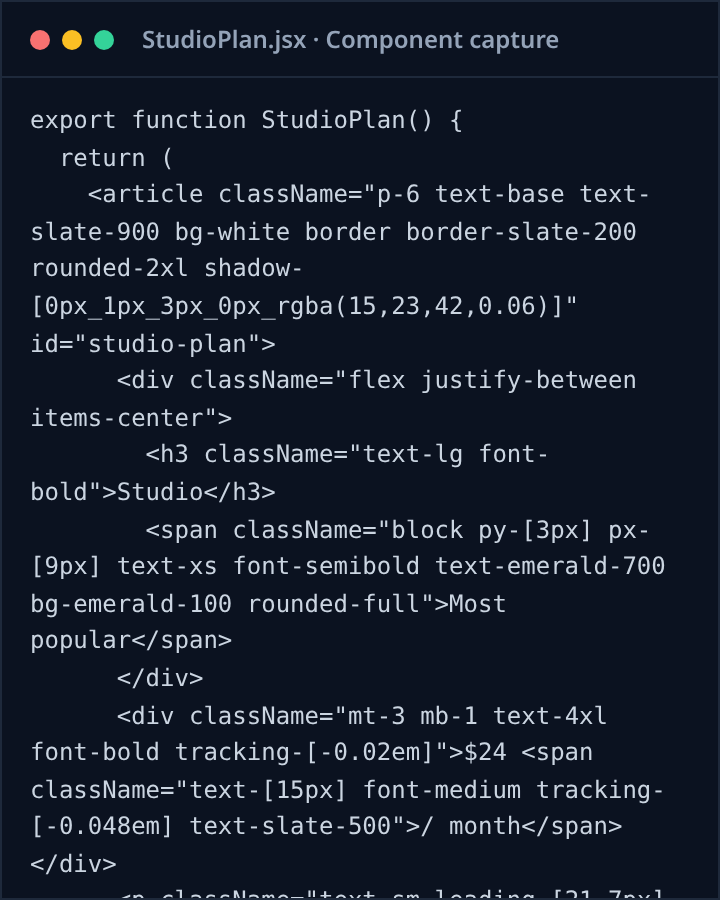
Pin any element inside a card, navbar, or section. On the Export tab, choose HTML,
React, or Vue and click Copy component. Kernline walks up to the
nearest region, maps computed styles to Tailwind utilities, and copies a self-contained
snippet with a prompt-ready description. Free includes 3 captures a day, counted only on
your device. Pro makes it unlimited.
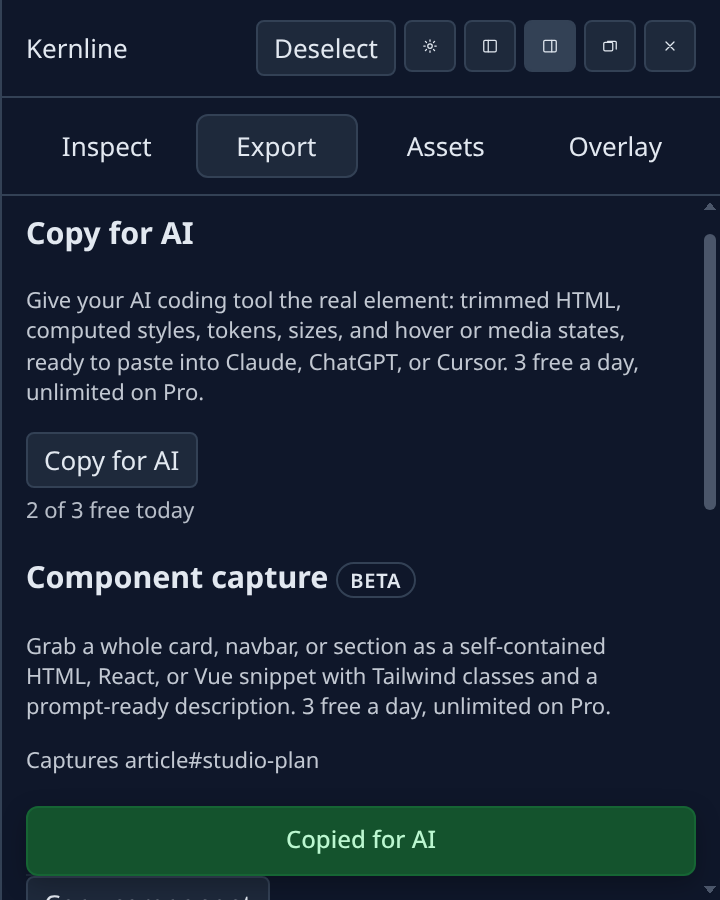
Copy for AI
Pin an element, then click Copy for AI on the Inspect or Export tab.
Kernline copies a compact text bundle: trimmed HTML, non-default computed CSS,
referenced design tokens, box sizes, and authored states such as hover or breakpoint
rules. Paste it into Claude, ChatGPT, or Cursor to rebuild the element accurately. Free
includes 3 copies a day, counted only on your device. Pro makes it unlimited.
Tailwind export
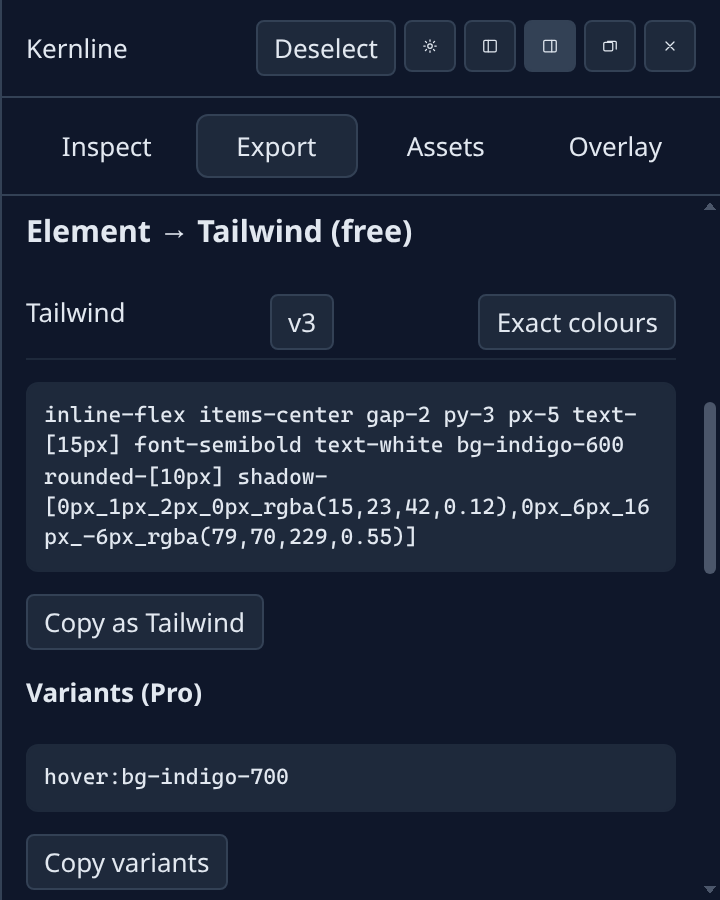
Open Kernline on the tab you are styling. Hover an element and click to pin it. Open
Export and choose Tailwind v3 or v4. Copy as Tailwind puts the classes
on the clipboard. Free exports one element at a time.
Design tokens
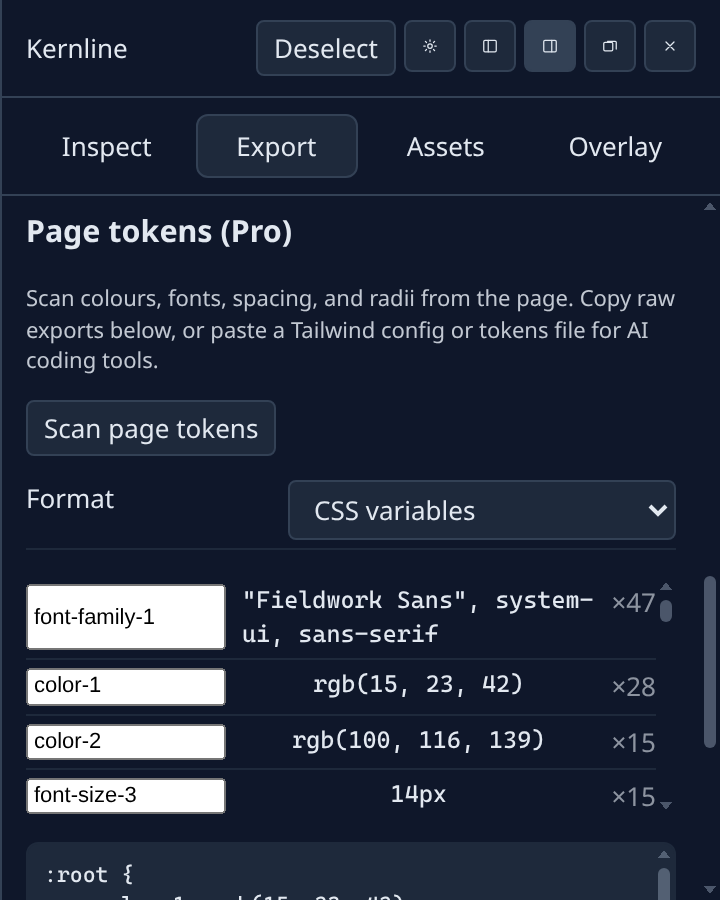
On the Export tab, Scan page tokens reads colours, fonts, spacing, and
radii across the page. That scan is a Pro feature. Copy CSS variables, a Tailwind theme,
or JSON for your project, or use Copy for AI to paste a
tailwind.config or tokens file that Claude, ChatGPT, or Cursor can use as
design context.
Overlays
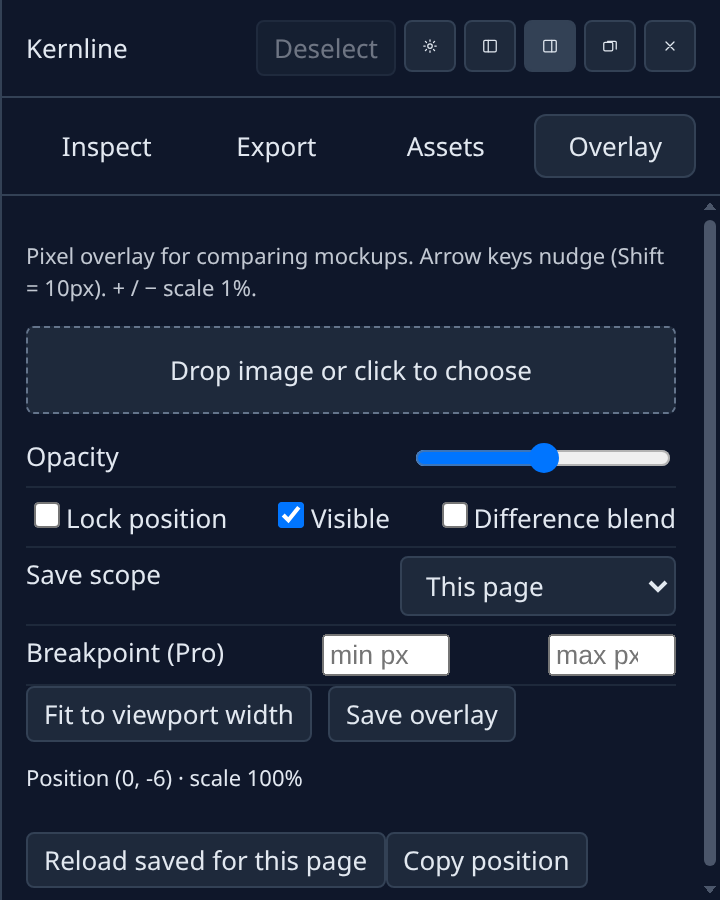
Open the Overlay tab and choose an image. It sits over the page while you scroll. Arrow
keys nudge it. Shift plus an arrow moves 10px. Plus and minus scale by 1%. Free saves
one overlay per site. Pro adds more layers and a different image per breakpoint.
MCP server (Cursor and Claude Desktop)
Let your AI app read Kernline output directly. Open Kernline settings, find MCP server,
tick Enable MCP server and click Copy token. Then add this to your MCP client config,
for example ~/.cursor/mcp.json in Cursor:
Keep the Kernline panel open on the tab you want it to read. The server runs on your
computer only and needs Node.js 18 or newer. Your AI app may send what it reads to its
model provider. Copy for AI and page tokens through MCP need Pro.
@kernline/mcp on npm.
Permissions
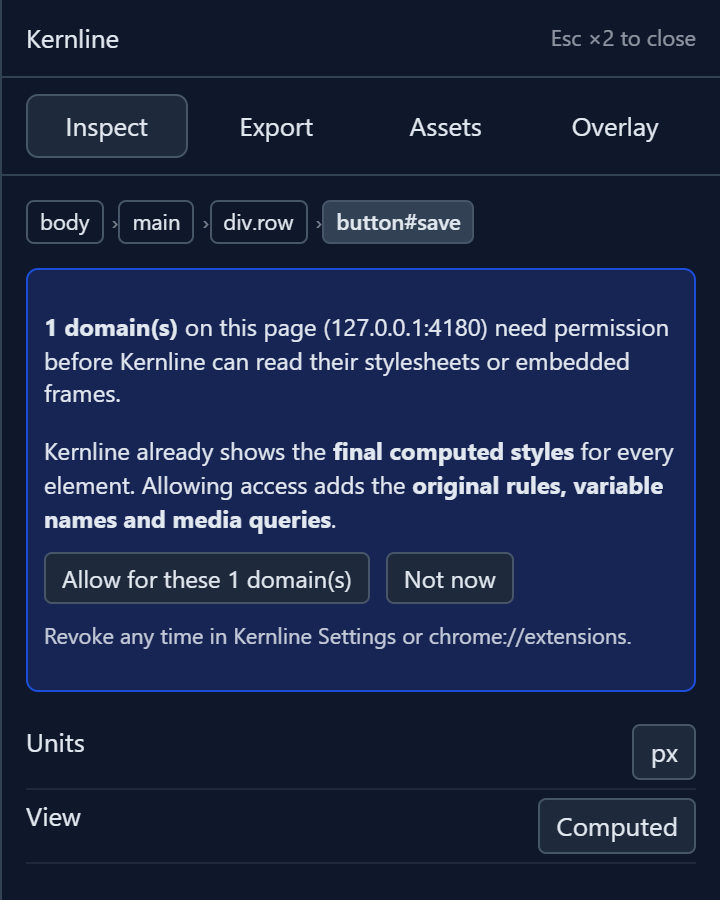
Kernline runs on the tab you open. If the page uses a stylesheet or image from another
domain, Kernline asks before reading that domain. You can take access back in settings.
How permissions work.
 Kernline